
Why we built Emplex AI Studio for ourselves
Emplex AI Studio is the free tool we built for our own workshops, events, and early product conversations. It helps us turn an idea into a working proof of concept while the question is still fresh.

Emplex AI Studio is the free tool we built for our own workshops, events, and early product conversations. It helps us turn an idea into a working proof of concept while the question is still fresh.

Emply is our new learning platform for turning skill gaps into clear next steps. The platform is planned to start in November, with early onboarding opening now for the first organisations and learners.

JetBrains makes the professional IDEs behind much of the world's Java, Python and web code, and has built AI Assistant and the Junie coding agent right into them. Free for students. Here is what it is, what you can do with it, and how to start.

Claude Artifacts turn a chat with Claude into working mini apps, dashboards and visuals that appear in a window next to the conversation. No account juggling, no setup. Here is what it is, what you can build with it, and how to start.
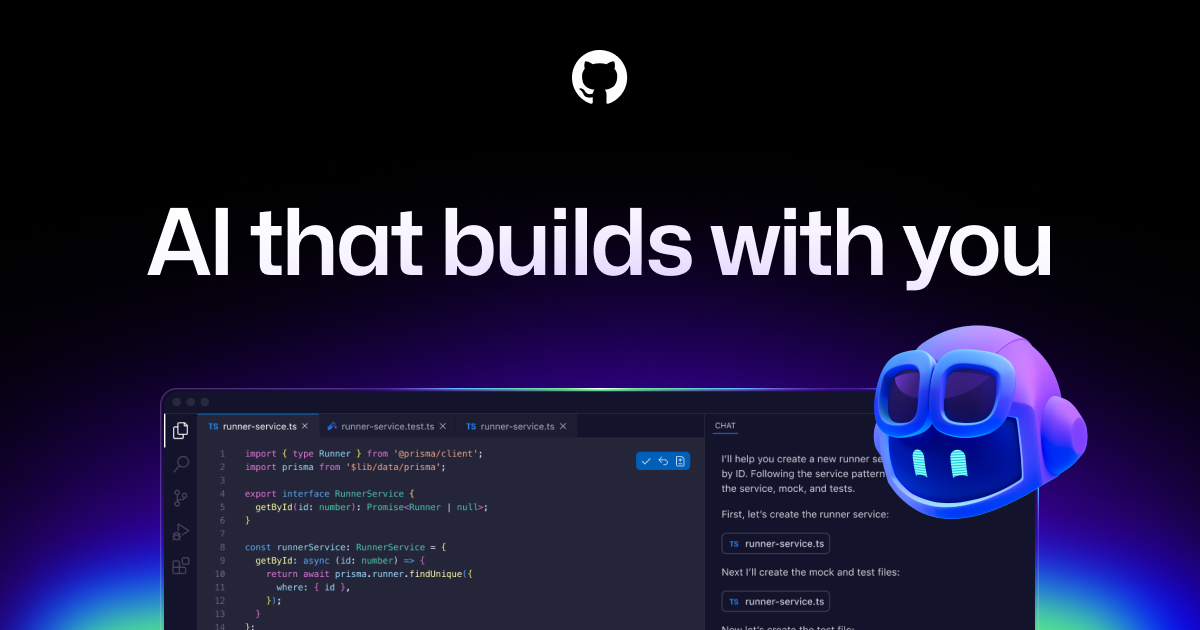
GitHub Copilot started the AI coding wave and is still the assistant most developers meet first, partly because students get it free. Here is what it is, what you can do with it, and how to start.
OpenAI Codex is a coding agent rather than an editor: you hand it a task and it goes off and does the work, in your terminal, your editor or the cloud. Here is what it is, what you can do with it, and how to start.

Replit gives you a complete coding environment, an AI agent, a database and hosting in a single browser tab. Nothing to install, everything in one place. Here is what it is, what you can build with it, and how to start.

Cursor is the AI code editor that turned "AI helps you code" into "AI codes with you". It reads your whole project, edits across files and even works on tasks while you do something else. Here is what it is, what you can do with it, and how to start.
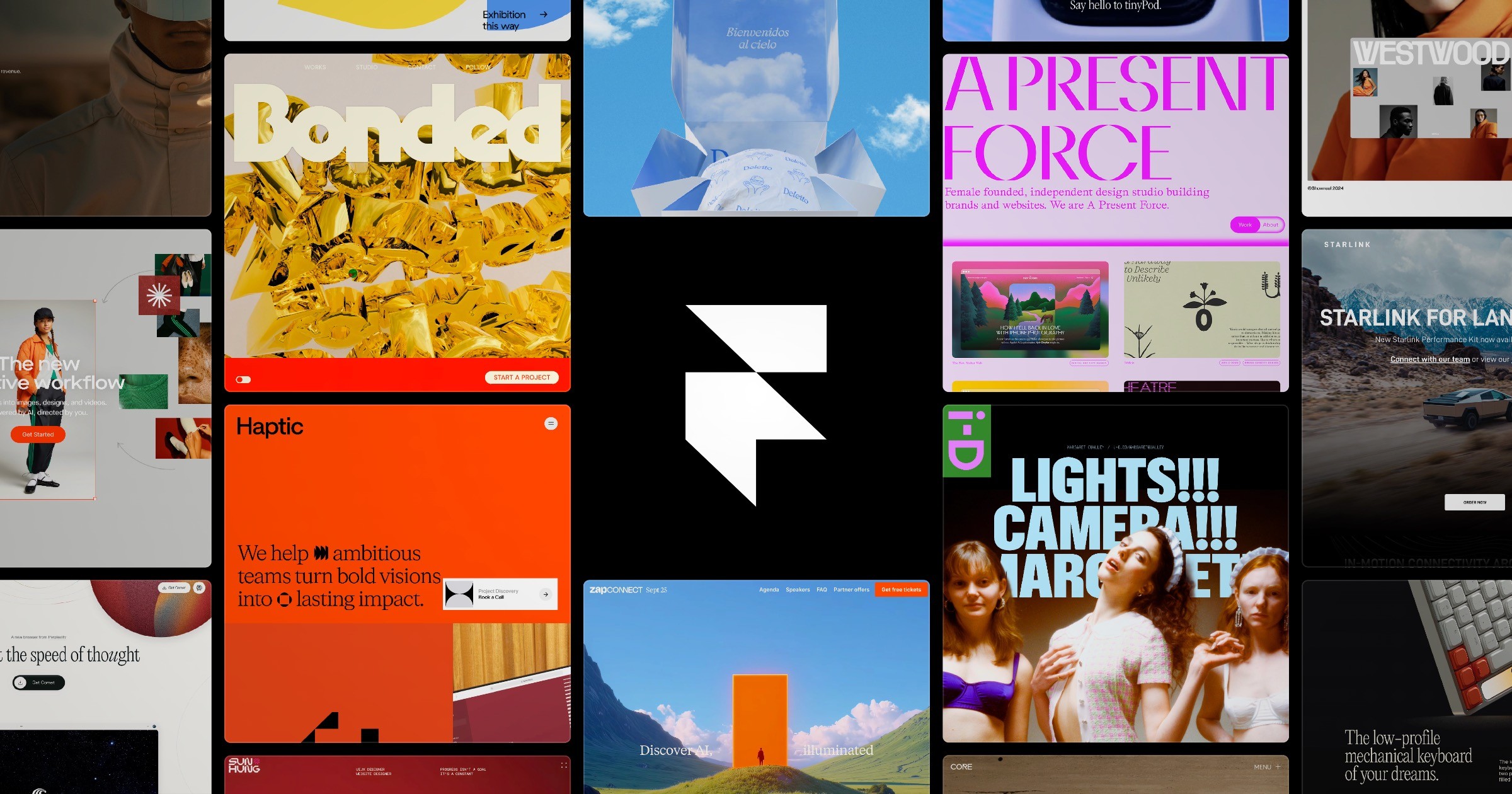
Framer is where design quality meets publishing speed: a visual canvas with AI built in, where the design you make is the website that goes live. Here is what it is, what you can do with it, and how to start.
v0 by Vercel turns a text description or a screenshot into a polished, production grade interface. It is the tool to reach for when your app needs to look genuinely good. Here is what it is, what you can build with it, and how to start.
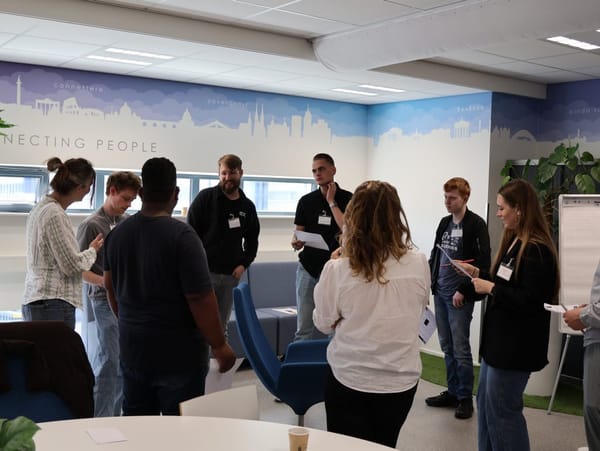
How can artificial intelligence help construction companies quickly identify which circular choices can be made?
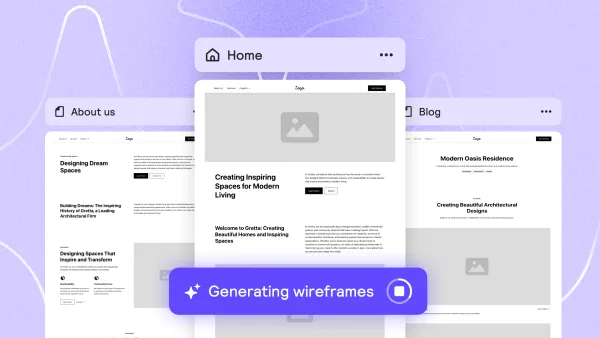
Relume uses AI to handle the part of web projects that usually eats the first week: the sitemap, the wireframes and the copy draft. Describe the site, get the structure, then export it to Figma or Webflow. Here is what it is, what you can do with it, and how to start.