
Framer: design and publish stunning websites with AI on a canvas
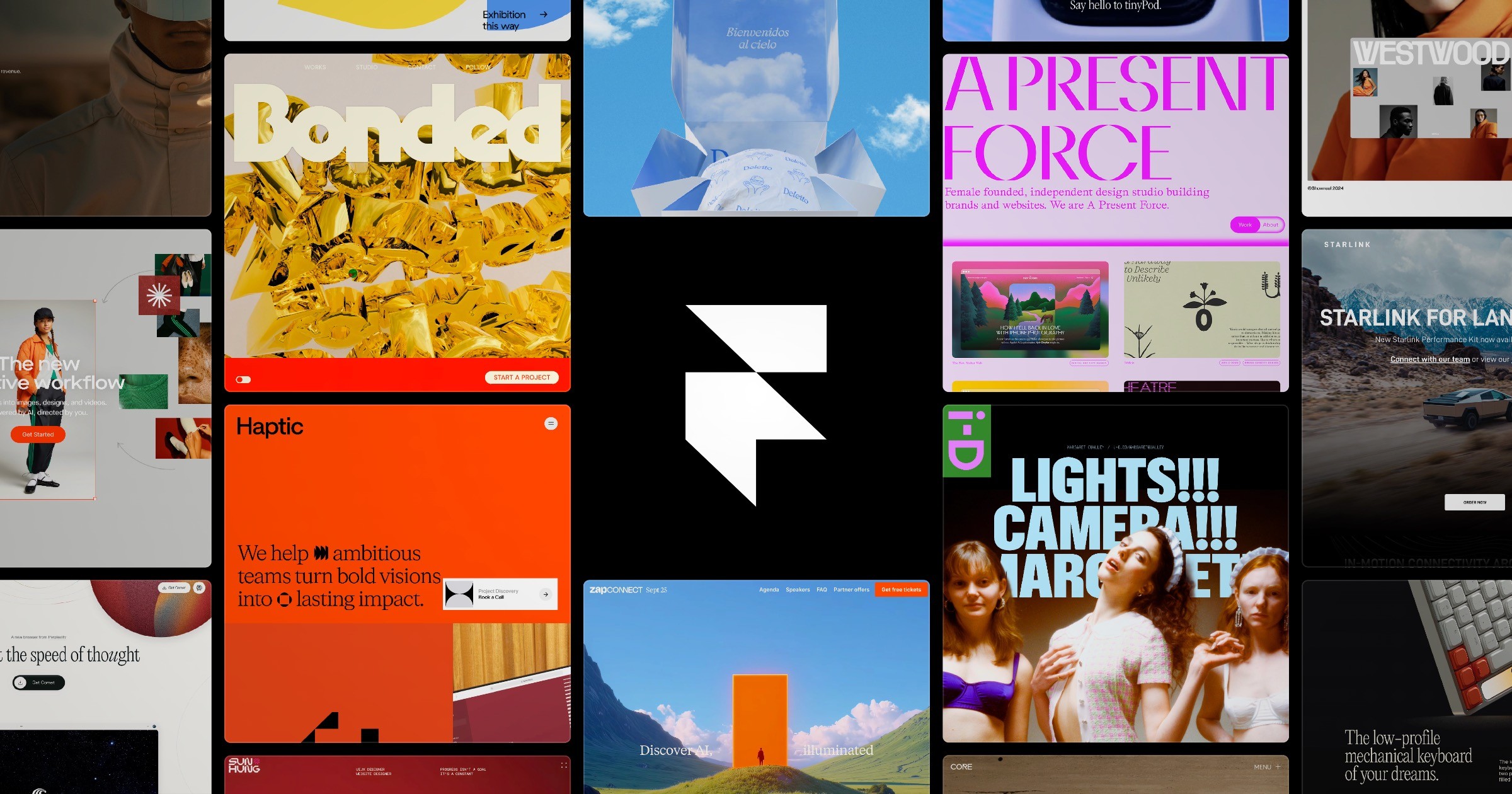
There is a category of website where nothing in this series quite fits: the site that has to look stunning. A portfolio, a product launch, a brand page where the design is the message. Vibe coding tools get you function fast, but visual perfection through a chat box is slow going. Framer attacks the problem from the design side, with AI woven in. This post covers what it is, what you can do with it, and how to get started.
What is Framer?
Framer (framer.com) is a website builder built around a visual canvas, the kind designers know from Figma. You place elements, drag them around, style them directly, and what you see is literally what visitors get, because in Framer the design and the website are the same thing. There is no handoff, no "now rebuild this in code" step. You press publish and the canvas is live on the internet, fast and properly built.
The AI layer accelerates every part of that. Describe a page and Framer generates a designed starting point, with layout, text and styling in place. Need section variations, copy rewritten in another tone, or the whole site translated into another language? The AI handles it from inside the canvas. Framer calls the broader workflow design with AI rather than prompt and pray, and that framing is accurate: the AI gets you to eighty percent, the canvas lets you control the last twenty by hand.
What makes it different
- Design level control. In chat based builders, fixing a spacing issue takes three prompts. In Framer you click the element and fix it. For visual perfectionists this is the whole argument.
- Motion is a first class citizen. Scroll effects, hover animations, page transitions and appearing elements are built into the tool, no plugins or code. This is why Framer sites have that distinctive alive feeling.
- Publishing is instant and complete. Hosting, fast worldwide delivery, SEO settings, forms and analytics are part of the platform. Press publish and you are done, not "done except hosting".
- A huge template and component ecosystem. Hundreds of professional templates and sections mean you rarely start from a blank canvas, and remixing a template is a legitimate strategy.
- CMS included. Blogs, project galleries and other repeating content are managed through a built in CMS, so the site stays updatable after launch.
What you can build with it
- A portfolio that gets you hired. The classic Framer use case, and the reason half the design world's portfolios run on it.
- A landing page for your project. Built your app in Lovable or Bolt? Framer is a great place for the page that announces it.
- A startup or product site. Multi page marketing sites with a blog, careers page and polished animations.
- A campaign or event page. When something needs to look impressive by Friday, the template plus AI route is hard to beat.
Where it fits among the other tools
Framer and the vibe coding tools answer different questions. Lovable and Bolt answer "does my app work?". Framer answers "does my website convince?". They combine naturally: app in a vibe coding tool, public face in Framer. Compared with Relume, which generates structure for export to other tools, Framer is the destination itself: design, content and hosting in one place. If you can already find your way around Figma, Framer will feel like home within an hour.
What does it cost?
The free plan lets you design and publish a site on a framer.app subdomain, which is plenty for a portfolio or a project page while you learn. Paid plans add a custom domain, more CMS content and bigger limits. Pricing is per site, so check the official page to match a plan to what you are building.
Honest about the limitations
Framer builds websites, not web applications. Login systems, dashboards and complex app logic are outside its scope, and that is by design. The canvas gives you enormous visual freedom, which also means you can make something ugly faster than a template based tool would let you; starting from a good template is honest advice, not a shortcut. And while the AI starting points are strong, the sites that stand out are the ones where someone spent real time in the canvas afterward. Treat the AI as your first draft generator, not your designer.
How to get started today
- Go to framer.com and create a free account.
- Generate a starting point with AI from a short description, or pick a template close to your goal.
- Make it yours on the canvas: replace text and images, adjust colors and fonts, tweak the layout.
- Add one or two scroll or hover animations; a little motion goes a long way.
- Press publish and your site is live on a free subdomain, ready to share.
An example description to start with:
A one page portfolio site for a data science student.
Sections: short intro with photo, three featured projects with images,
skills, and a contact section with email and LinkedIn.
Style: minimal, lots of white space, one bold accent color,
subtle animations when sections scroll into view.
Plenty of tools can put a page on the internet. Framer is for the moments when that page has to make an impression, and with AI handling the blank canvas problem, the distance between taste and a published site has never been shorter.
Prices, limits and features change fast in the AI world. Always check the official page of the tool for the current state of things.